scratch dash
Scratch Dash 2 V2: Feature-Rich Geometry Dash Adaptation
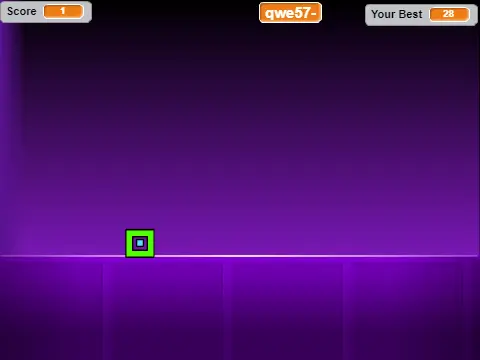
Scratch Dash 2 V2 delivers a fully-featured Geometry Dash experience with extensive customization options and comprehensive control schemes. Players can jump using multiple input methods including up arrow, mouse click, W key, or space bar while navigating through challenging spike obstacles.
Advanced Customization Controls
The game offers extensive toggle functionality with L key for animations, B for background visibility, V for sound control, and P for pausing gameplay. Designed specifically for Geometry Dash enthusiasts, this version provides a rich set of additional resources.
Expanded Content Resources
External resources include GD World Toxic Factory, remake-type levels, online level collections, and specific level packs:
- GD World Toxic Factory: https://scratch.mit.edu/projects/224236914/
- Remake type levels: https://scratch.mit.edu/projects/138240100/
- Online levels: https://scratch.mit.edu/studios/4002529/
- Levels 4-6: https://scratch.mit.edu/projects/118638917/
- Levels 7-8: https://scratch.mit.edu/projects/120721851/
- Levels 9-13: https://scratch.mit.edu/projects/140185501/
- Meltdown: https://scratch.mit.edu/projects/143663274/
- Levels 16-21: https://scratch.mit.edu/projects/194895616/
The multi-control scheme accommodates different play styles while visual and audio toggles allow personalized experience optimization. With its comprehensive feature set and resource collection, this version serves as both a standalone game and gateway to broader Geometry Dash community content.



















































Discuss geometry dash