







geometry dash level editor v
Geometry Dash Level Editor v0.4: Save, Load & Customize Levels
Geometry Dash Level Editor v0.4 represents a significant update to this work-in-progress fan creation tool, now featuring a complete save and load system for preserving your custom levels. Version 0.4 delivers improved physics, numerous bug fixes, and partially rewritten code for enhanced stability.
Editor Controls and Workflow
Navigate the editor using arrow keys, click to select blocks from the palette, then place them in your level. Test your creation with the play button, using spacebar to jump during gameplay. Editing functions include pressing R to rotate objects during placement and D to delete elements when your cursor touches them.
Expanded Object Library and Features
The v0.4 update expands the object library with:
- Magenta jump pads for enhanced mobility
- Outline blocks for visual variety
- Additional saw blade variations
- Thorn obstacles for increased challenge
- Teleport portals for complex level design
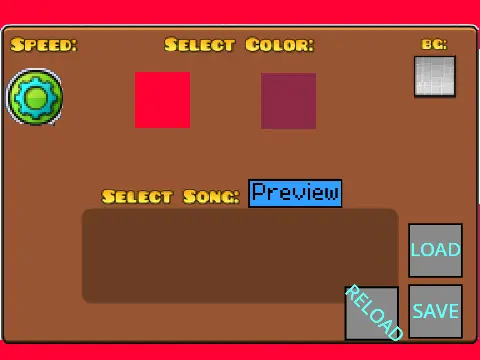
A new customizable spawn point system gives greater control over level starting positions. Access the settings menu to modify color schemes and manage your level files.
Important Notes for Users
The developer acknowledges the editor remains "very buggy" as it's actively developed. For accessing the example gallery, use the provided level code shown in the interface. This tool provides Geometry Dash fans with a browser-based platform to design, test, and share custom obstacle courses without needing the official game.
Discuss geometry dash









































