geometry dash wave challange
Geometry Dash Wave Challenge: A Scratch-Based Level Editor
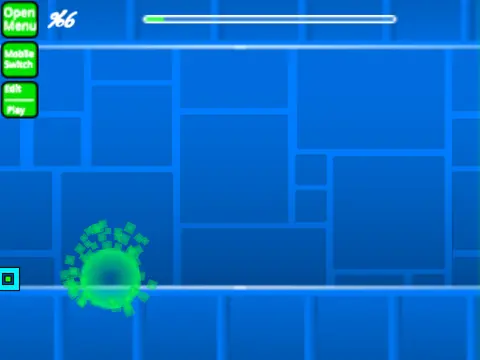
Take control of a fully-featured Geometry Dash level editor built within Scratch with “Geometry Dash Wave Challenge”. This project empowers you to craft custom levels but comes with a critical lag warning. For the optimal experience, it's highly recommended to play using the provided TurboWarp link or enable the less effective Turbo Mode to mitigate performance issues.
Core Features & Gameplay
This is more than just a game; it's a creative toolkit. You can add your own custom music by editing the backdrop. Save your creations by remixing the Scratch project initially and using the Save Project function thereafter. The control scheme is split into three clear sections:
- General Controls: Press 'Z' and 'M' to switch between Edit Mode and Play Mode.
- Player Controls: Click to jump, fly, and activate objects. Use 'I' and 'O' for noclip, set checkpoints with 'Z' in Practice Mode, and vote 0-9 on the end screen.
- Editor Controls: A deep system for placing blocks (1,3,4,5,2 for erase), rotating them (R, T, E), accessing menus for triggers (F), detection (B), settings (I,O), and debug (O,P). Save and load your layouts with keys 9 and 0.
Development & Capabilities
This editor reflects significant development, detailed in its version history. It evolved from basic blocks, portals, and game modes to include advanced features like save/load codes, move/alpha/instant count triggers, keys, coins, colored blocks, glow effects, teleport portals, 3D objects, and the swing copter. For tips and advanced techniques, check out the dedicated guide project. Note that community sharing within the project should focus on content made with this specific editor.



















































Discuss geometry dash