Geometry Dash Dual Gameplay
Geometry Dash Dual Gameplay: A Browser-Based Creation Suite
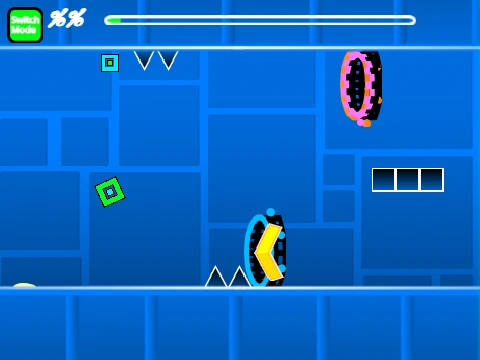
Geometry Dash Dual Gameplay is a comprehensive, fan-built creation engine that delivers a deep Geometry Dash editing experience directly in your browser. This project goes beyond a single level, offering both a challenging dual-mode gameplay test and a powerful toolkit to build your own.
A Fully-Featured Editor in Your Browser
Press Z and M to switch between playing and editing. The editor is remarkably complete, featuring:
- All core game modes: Cube, Ship, Ball, UFO, Wave, Robot, and Spider.
- Essential gameplay elements: Gravity Portals, Speed Portals (Slow to Fastest), Dual/Mirror/Mini Portals, Pads, and Orbs.
- A massive library of blocks, slopes, decorative objects, and hazards like saws and spikes.
Detailed Editing Controls
While powerful, the editor requires some learning:
- Place & Modify: Click to place. R to rotate. R+E for fine nudge/rotate menu.
- Navigate Menus: Press 1 or 3 to cycle block menus. Use 4 and 5 to scroll within them. Press 2 for the eraser.
- Advanced Options: I+O opens settings. O+P accesses the debug menu. F opens the trigger menu.
- Customization: Add your own music by replacing the backdrop sounds. Save your level by using the platform's save function after remixing.
For Players & Voters
As a player, you can jump (click), activate a no-clip helper (I+O), and rate the level at the end screen with keys 0-9. A progress bar helps track your run.
Performance Note & Evolution
This is a complex project. For the best experience, play on Turbowarp. The project has evolved through versions, adding mobile controls, bug fixes, and countless objects. It stands as a testament to the community's ability to recreate and expand upon the Geometry Dash experience online.



















































Discuss geometry dash