geometry dash wave challenge
Geometry Dash Wave Challenge Editor: Level Creation Platform
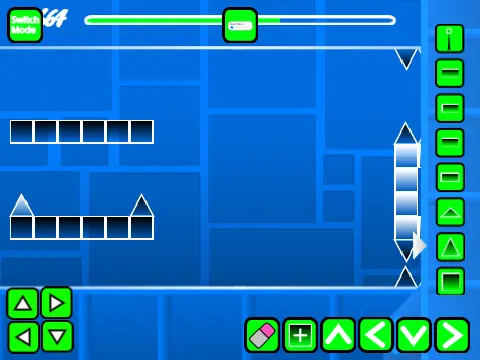
Geometry Dash Wave Challenge Editor presents a comprehensive level editor and gameplay experience with advanced customization options for creative players. This feature-rich platform includes dual operating modes accessible via Z and M keys, allowing seamless transitions between editor creation and gameplay testing.
Advanced Editor Controls
The editor provides extensive building capabilities with multiple block menus (cycled with 1/3 keys), individual block selection (4/5 keys), eraser tool (2 key), rotation controls (R key), and specialized menus for settings (I/O keys), debugging (O/P keys), rotation/nudge adjustments (R/E keys), and trigger management (F key).
Custom Content Integration
Players can add custom music by replacing backdrop audio files and save progress through project remixing. The gameplay interface supports standard Geometry Dash mechanics including jumping, flying, gravity switching, orb usage, and no-clip mode activation (I/O keys), with voting capabilities (0-9) on completion screens.
Version History and Features
Version history documents significant additions including mobile editing controls (1.3), numbered progress bars (1.2), basic progress indicators (1.1), and foundational elements like blocks, platforms, decorations, portals, game modes, pads, orbs, triggers, dangers, slopes, and speed mechanics (1.0).
Performance Considerations
Performance considerations recommend Turbowarp for optimal experience despite potential lag, with Turbo mode as a less effective alternative. This comprehensive wave challenge toolset empowers Geometry Dash creators to design, test, and share custom wave-focused levels with professional editing features and gameplay diversity.



















































Discuss geometry dash