Geometry Dash 10 Levels Of Wave
Geometry Dash 10 Levels Of Wave: A Powerful Online Level Editor
Important Performance Note: This is a complex Scratch-based editor and may cause lag. For the best experience, we strongly recommend playing it on Turbowarp or enabling Turbo Mode for smoother gameplay.
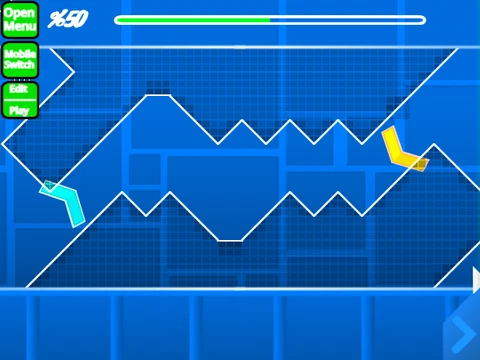
Geometry Dash 10 Levels Of Wave is not just a game but a comprehensive and powerful level editor built within Scratch, allowing you to create and play custom wave-focused challenges. This tool empowers you to be both a player and a creator.
Create & Customize Your Own Levels
You can dive into pre-made wave levels or build your own from scratch. The editor is remarkably feature-rich, supporting everything from basic blocks and orbs to advanced triggers, portals, and even 3D objects. Key updates have introduced breakable blocks, lasers, a size trigger, and a full move/alpha trigger system.
- Add Your Music: Easily import any soundtrack by editing the backdrop and replacing the music.
- Save Your Work: Save your level by simply saving (or remixing) the Scratch project itself.
Dual-Mode Controls: Play & Edit
Controls are split into two modes, switched by pressing Z and M.
- Play Mode: Use the mouse to jump. Press
I/O for noclip, Z to place checkpoints in practice, and vote 0-9 at the end screen.
- Editor Mode: A full suite of tools: Use
1/3 for block menus, 4/5 to cycle blocks, 2 for eraser. Press R to rotate, F for triggers, B for detection, Z to pick a block, and 9/0 to save/load your creation.
This project is a testament to community development, evolving through versions like 2.0.4 with the long-awaited ball fix, making it one of the most capable Geometry Dash editors available on the web.



















































Discuss geometry dash