







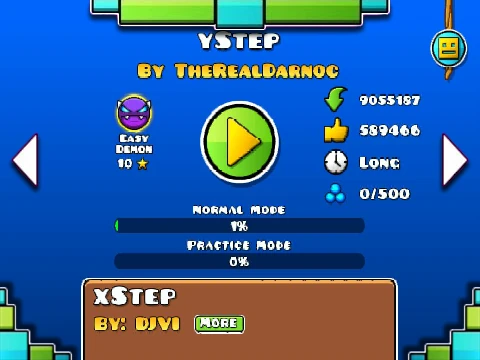
Geometry Dash Ystep noclip
Geometry Dash Ystep NoClip: Smooth & Accessible Gameplay
Geometry Dash Ystep noclip delivers a polished and user-friendly iteration of a well-known rhythmic challenge, removing collision for stress-free navigation and practice. Performance is a key focus. If you experience lag, the most effective remedy is to avoid playing in full screen mode, as running in a window often yields a noticeably smoother framerate. For direct control over visual load, press the L key to toggle all special animations and particle effects on or off. This instant adjustment helps maintain consistent performance across different computer setups.
Flexible & Responsive Control Scheme
The game supports a wide array of jump inputs to suit any player's preference. You can leap using the Spacebar, the W key, the Up Arrow, the Control (Ctr) key, or a simple mouse click. This versatility ensures you can play comfortably with your chosen control style. To temporarily halt the action—useful for planning your route or taking a break—press the P key to pause the game.
Quick Restarts for Perfect Practice
Mastering a rhythm level requires repetition. When you need to start over, either after a mistake or to refine a section, simply click the prominent Green Flag button. This provides an immediate restart, resetting the level to its beginning so you can dive right back into perfecting your run without delay.
Experience this optimized, control-rich version of Ystep at Dash Geometry.
Discuss geometry dash









































