How To Make A Pong Game
How To Make A Pong Game: Scratch Tutorial Project
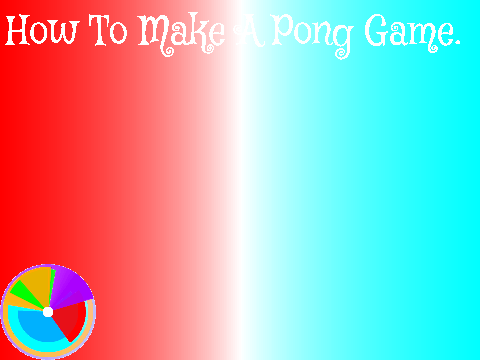
Experience the classic arcade fun with "How To Make A Pong Game", a custom Scratch project created specifically for the SDS Scratch 101 tutorial series. This interactive demonstration recreates the iconic Pong gameplay with modern enhancements including vibrant neon tunnel visuals, responsive ball physics, and smooth paddle controls. The project showcases essential game development techniques while providing an engaging player experience.
Gameplay and Controls
Control is straightforward - simply press the green flag to initiate gameplay. While the internal scripts may appear slightly blurred in preview, all code remains fully accessible for educational examination within the Scratch interface. The creator encourages users to explore the sprite scripts to understand the programming logic behind this classic game recreation.
Audio and Community Features
Audio features carefully selected tracks from Geometry Dash World's custom level community, including "A Spark of Life" and "Spaghetti on the Side", complemented by The Fat Rat's "Windfall". The project has achieved significant community recognition with over 2000 views and numerous favorites, demonstrating its value as both an educational resource and entertaining game.
Educational Value
Perfect for Scratch enthusiasts seeking to understand game mechanics or Geometry Dash fans looking for creative community projects, this implementation balances nostalgic Pong gameplay with contemporary visual elements. Users can provide feedback through comments, and the creator welcomes appreciation through loves and favorites for this SDS Scratch 101 contribution.
Original Project: https://scratch.mit.edu/projects/124070950/

















































Discuss geometry dash