Geometry Dash Ystep
Geometry Dash Ystep: A Platformer with Creative Freedom
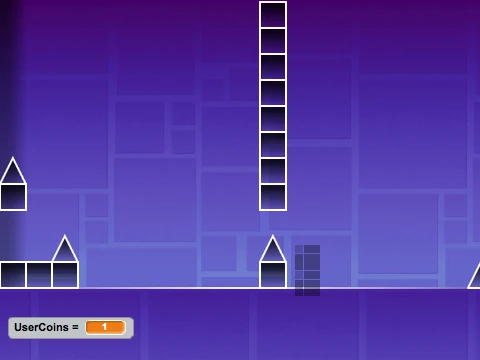
Geometry Dash Ystep combines classic platforming action with powerful creative tools, offering both a challenging game and a fully-featured level editor in one package. Master precise jumps and then design your own obstacle courses.
Comprehensive Gameplay Controls
Navigate the levels using a versatile set of jump controls designed for player preference: press SPACE, CTRL, CLICK, W, or the UP ARROW. Manage your gameplay flow by pressing P to pause and unpause the action at any moment. This flexibility allows both keyboard-centric and mouse-play styles.
Powerful Built-in Level Editor
Unleash your creativity by pressing E to enter the level editor mode. Within the editor, use the number keys 1, 2, 3, 4, and 5 to switch between different block types for placement. This system lets you construct custom platforms, obstacles, and layouts to create unique challenges. Press E again to exit the editor and test your creation.
Customize Your Experience
Beyond level design, you can personalize your gameplay. Switch between different player characters by pressing the keys 1, 2, 3, or 4. A crucial note: you must NOT be in the editor mode when attempting to change characters; this function is only available during standard gameplay. This feature adds visual variety and perhaps different gameplay feels to your runs.
Whether you're here to conquer pre-made challenges or to build and share your own devilish creations, Geometry Dash Ystep provides the tools and the test for platformer enthusiasts.



















































Discuss geometry dash