geometry dash waves christmas update
Geometry Dash Waves: Festive Christmas Update
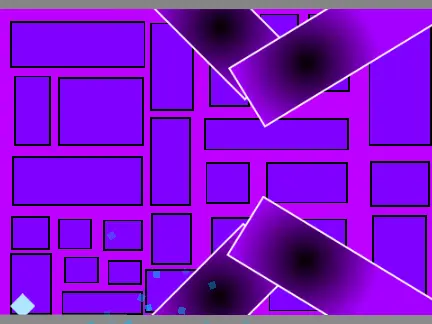
Get into the holiday spirit with this special Christmas-themed update to the wave mode challenge. This version maintains the core thrilling wave gameplay while wrapping it in a festive challenge, perfect for the season.
Precision Wave Flight Controls
Control is straightforward yet demanding. Press and hold either the Spacebar or the Up Arrow key to make your wave icon ascend. Release the key to descend. This binary control is the essence of wave mode, requiring constant adjustments to slip through the ever-changing gaps in the obstacle course. Your goal is to navigate through any opening that your icon can fit through.
Advanced Tools for Mastery: Hitbox Toggle
This update includes a valuable feature for players serious about improving their precision. Press the H key to display your icon's hitbox, the exact collision area. Press the J key to hide it. This visual aid is incredibly useful for learning the true boundaries of your icon, allowing you to make more accurate maneuvers through extremely tight spaces.
Important Player Notes & Warnings
The creator provides clear, community-focused guidance. They encourage players to report any bugs found in the comments for fixing. A humorous but genuine warning is given about potential frustration: "if you happen to rage... i recommend getting off as soon as possible before u break your computer."
A crucial technical limitation is noted: mobile controls are not yet supported. Therefore, this specific version is optimized for and should only be played on a desktop or laptop computer for the intended experience.
This Christmas Update offers a fresh, themed twist on the wave challenge, combined with practical tools like hitbox visibility. It's designed for dedicated Geometry Dash players looking to test their wave skills with an extra layer of visual feedback and holiday cheer. Remember, this is a desktop-only challenge for now.



















































Discuss geometry dash