geometry dash wave
Geometry Dash Wave: Master 10 Different Waves
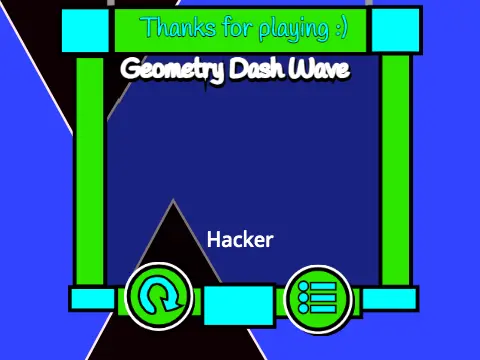
Take control of a pulsating wave in this authentic fan-made challenge inspired by the iconic Geometry Dash wave gameplay. This online version has garnered significant attention, with its viewership growing consistently over time.
Optimize Your Gameplay Experience
Before diving in, here are some key tips for a smooth run. Some players may encounter a freeze leading to an instant death; if this happens, simply reload the game page. For optimal performance, it's recommended to play in windowed mode as fullscreen can introduce lag. To combat performance issues, use the built-in Low Lag Mode by pressing the L key. This mode disables particle effects, a common cause of frame drops.
Gameplay & Controls
This game stands out with its 10 unique wave variations. Before starting, press keys 1 through 9 and 0 to cycle through and select your preferred wave type. Press Spacebar to begin. Control your wave's altitude by holding down the Spacebar or your mouse button to rise, and releasing to fall—just like in the original Geometry Dash. Your goal is to navigate a perilous course without touching the top or bottom boundaries or any of the menacing obstacles.
Performance & Community Notes
If lag persists, a great alternative is to play this project on TurboWarp (link: Turbowarp.org/202395548), a Scratch compiler known for better speed. The creator also hints at a secret hidden within their YouTube channel. Please note: a minor seizure warning is advised for the intense visual effects, especially in the challenging "Impossible Mode."



















































Discuss geometry dash