Geometry Dash v different levels
Geometry Dash v2.3 Different Levels: Multi-Control Platform Challenge
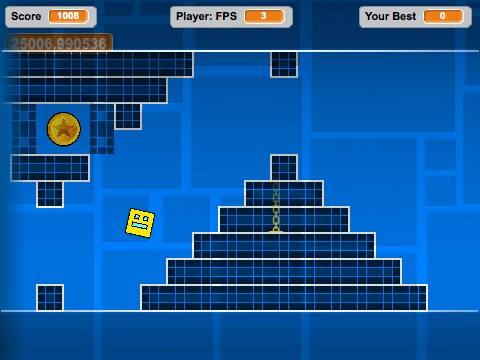
This enhanced Geometry Dash level variation provides players with an extensive array of control options, supporting keyboard inputs including directional arrows, WASD configuration, function keys F1-F12, and mouse click functionality for jumping actions. Navigate through meticulously designed obstacle courses while evading hazardous spike formations that threaten progression.
Advanced Gameplay Mechanics
The level incorporates multiple gameplay modes, including ship segments where holding input controls vertical ascent while releasing initiates descent. Environmental interaction plays a crucial role with yellow jump pads launching players to elevated positions and blue pads providing even greater propulsion. A unique gravity system implementation creates dynamic movement challenges throughout the experience.
Performance Optimization Features
Addressing potential performance concerns, this level includes practical optimization tools. Pressing the L key toggles visual effects on and off, while the B key switches background elements. Both functions serve to reduce processing load and minimize lag, ensuring consistent frame rates across various hardware specifications for uninterrupted gameplay.
Scoring and Challenge Elements
Strategic coin collection scattered throughout the level provides bonus scoring opportunities, encouraging thorough exploration and precise movement. The combination of diverse control schemes, environmental hazards, and performance customization creates a comprehensive Geometry Dash experience suitable for both newcomers learning basic mechanics and experienced players seeking technical challenges.



















































Discuss geometry dash