geometry dash v16.3
Geometry Dash v16.3: Advanced Creator's Studio
Geometry Dash v16.3 is not just a fan game; it's a comprehensive creation suite for Geometry Dash enthusiasts. This feature-rich simulator faithfully recreates the classic jump-and-dodge gameplay while offering one of the most advanced level editors available in a browser.
Expanded Gameplay & Features
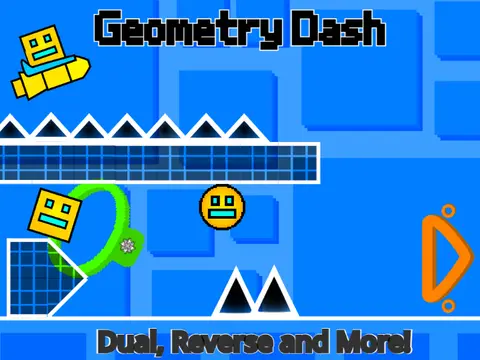
This version introduces a host of features from later official updates and unique additions, including: Camera Rotation, Dual Mode, a New Tileset, fixed Spider/Swing mechanics, and new Dash Orbs. Visually, it supports invisible blocks, flashing blocks, smooth block transitions, and dynamic background effects, allowing for complex and stylish levels.
Note: The mobile mode is currently experimental and not recommended for the best experience.
Powerful Level Editor
The heart of v16.3 is its detailed editor. Press Enter to toggle between Play and Edit mode.
- Movement: Use Arrow Keys (hold Space to move faster).
- Editing: Click and drag to place blocks. Click again to delete. Press Z to delete the player's current path.
- Toolbar (Keys 1-9):
- 1: Solid Tiles, Slopes, Invisible Blocks.
- 2: All Portals (Gamemode, Size, Gravity, Dual, Mirror).
- 3: Dangers, Spikes, Saws.
- 4-6: Decorative, 3D, Glow, and Fake Blocks.
- 7: Orbs (All Types).
- 8: End Blocks.
- 9: Camera Controls, BG Color, Transitions.
- Essential Functions:
- R: Generate a new blank level.
- X: Save your level and get a shareable code.
- L: Load a level using a save code.
- - (Minus): Cycle through pre-made levels.
- . (Period): Open settings.
Critical Tip for Creators: After building your level, always switch out of Edit Mode and save the project to ensure your data is preserved.
Built upon systems by @griffpatch and expanded with over 3000 custom blocks by @macaw9, Geometry Dash v16.3 is the ultimate free online tool for designing and sharing your own Geometry Dash challenges.



















































Discuss geometry dash