Geometry Dash SUPER EASY LEVEL
Geometry Dash SUPER EASY LEVEL: Play & Create
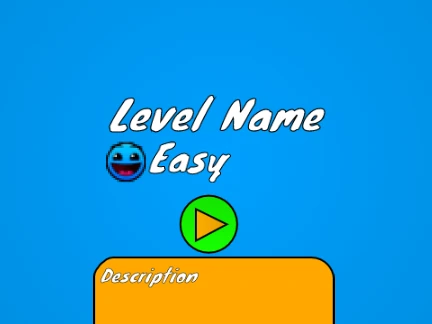
Experience a dual-purpose Geometry Dash project that combines a playable 1-star easy level with a fully-featured in-browser level editor. This Scratch-based suite allows you to enjoy a simple challenge and then design your own Geometry Dash levels from scratch.
Gameplay & Performance
Start by playing the creator-verified easy level. For optimal performance and to avoid lag, it is strongly advised to use the external TurboWarp link. Switch between Play Mode and Editor Mode using the Z and M keys.
Play Mode Controls
- Click to jump, fly, switch gravity, and activate orbs.
- Press I and O to toggle noclip.
- At the end screen, rate the level with keys 0 through 9.
Comprehensive Editor Mode
Unlock your creativity with robust editing tools:
- Block Selection: Cycle menus with 1/3, cycle blocks with 4/5.
- Edit Tools: Erase with 2, place by clicking, rotate with R.
- Advanced Editing: Press R+E for fine-tuning, R+O to reset, F for triggers.
- Menus: Access settings with I/O and debug with O/P.
Customization & Features
Personalize your levels:
- Custom Music: Replace background tracks by editing the backdrop.
- Save Your Work: Always remix the project first, then save the project file.
The editor is packed with content from updates 1.0 to 1.4, including all core Geometry Dash gameplay objects (cube, ship, ball, UFO, wave, robot, spider), portals, pads, orbs, color triggers, slopes, and decorative elements. This makes it an ideal starting point for learning level design or creating custom challenges.



















































Discuss geometry dash