geometry dash sonic wave silent circles wave challenge
Geometry Dash Sonic Wave Silent Circles Wave Challenge: Ultimate Level Editor
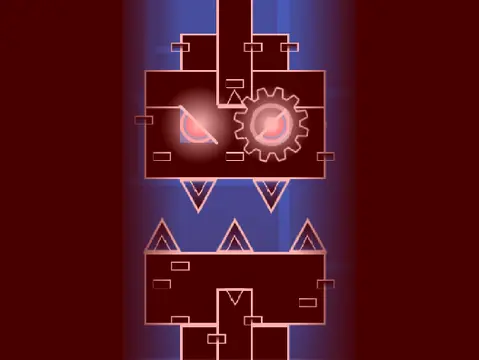
This Geometry Dash level creator project, titled “Sonic Wave Silent Circles Wave Challenge”, offers a deep and customizable editing experience for crafting your own extreme demon levels. Rated as a formidable 10-star “Impossible/Extreme Demon,” the level itself underwent balancing on December 11, 2022, with adjustments to its opening sections and increased difficulty later on to ensure a challenging yet fair experience. A significant lag warning is issued; for optimal performance, playing via the Turbowarp.org link is highly recommended over Scratch’s native Turbo Mode.
Advanced Customization & Level Saving
The core of this project is its advanced level editor. You can fully personalize your creation by adding custom music – simply delete the existing tracks in the backdrop and import your own. Remember to “Remix” the project to start and save your progress regularly by saving the project itself.
Comprehensive Control Scheme
The controls are extensive and divided into three modes. Press ‘Z’ and ‘M’ to toggle between Editor Mode and Play Mode.
- Play Mode Controls: Click to perform all actions (jump, fly, use orbs). Use ‘I’ and ‘O’ for no-clip options, vote with 0-9 at the end screen, and press ‘Z’ to set checkpoints in Practice Mode.
- Editor Mode Controls: Unlocks powerful creation tools. Navigate block menus with ‘1’/’3’ and cycle through blocks with ‘4’/’5’. Use ‘2’ for the eraser, ‘I’/’O’ for settings, and ‘O’/’P’ for the debug menu. Place blocks by clicking, rotate with ‘R’, and access advanced menus for rotation/nudge (‘E’), triggers (‘F’), and detection (‘B’). Key shortcuts include ‘Z’ to pick a block, ‘9’ to save your layout, and ‘0’ to load.
Rich Feature Set & Version History
This editor supports a vast array of features from version 2.0, including save codes, move/alpha/instant count triggers, keys, coins, colored & glowing blocks, teleport portals, 3D objects, and the swing copter. It also encompasses all foundational elements from version 1.0 & 1.2: various blocks, portals (gravity, mini, mirror, dual), game modes (cube, ship, ball, UFO, wave, robot, spider), orbs, pads, slopes, speed changers, and decorative items.
For detailed tips and community guidelines, refer to the linked tutorial project. This is a comprehensive tool for Geometry Dash enthusiasts looking to design, test, and share high-difficulty custom levels with precision and creative freedom.



















































Discuss geometry dash