Geometry Dash Pratice
Geometry Dash Practice: The Ultimate Training & Editor Level
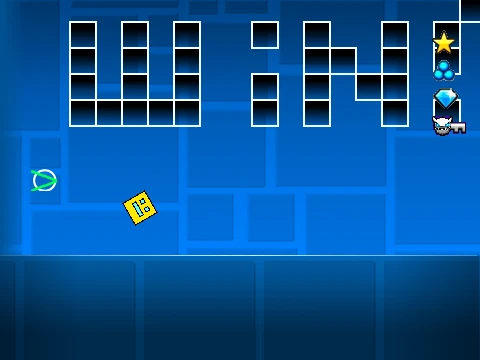
Step into “Practice” by creator Nsurowka, an epic-rated 3-star Normal level designed for honing your Geometry Dash skills and unleashing your creativity. This level serves a dual purpose as both a challenging playable stage and a fully-featured editor sandbox.
Core Gameplay Mechanics
Control your icon by jumping with Up, W, Spacebar, or a mouse click. Utilize yellow rings for mid-air jumps and meticulously navigate past deadly spikes. In the ship gameplay sections, precise control is key: hold to ascend and release to descend. Gain crucial momentum by hitting yellow jump pads for a significant boost, and aim to collect all coins to maximize your bonus score. For optimal performance on any device, press the ‘L’ key to toggle visual effects.
Unlock the Built-In Level Editor
The standout feature of this level is its integrated creative suite. Press ‘Z’ and ‘M’ together to activate the powerful in-game editor. Build your own creations using an intuitive number-key system:
- 1: Basic Blocks
- 2: Inside Geometry
- 3: Spikes
- 4: 4-Long Blocks
- 5: Special Objects
- 6: Speed Portals & More
- 7: Slopes & Additional Items
- 8: New Pits & Geometry
- 9: Monsters & Enemies
- 0: Invisible Blocks
Test Freely with Noclip Mode
For ultimate freedom in testing layouts, practicing difficult sections, or simply exploring, press the ‘N’ key to enable noclip mode. This allows you to phase through all obstacles, making it the perfect tool for creators to verify their designs or for players to master tricky sequences. “Practice” is the definitive training ground for aspiring Geometry Dash players and level creators alike.



















































Discuss geometry dash