Geometry Dash practice easy
Geometry Dash Practice Easy: Learn & Create
Geometry Dash Practice Easy is the ideal entry point for players new to the intense world of Geometry Dash. This version focuses on teaching the essential skills of timing, precision, and persistence in a more forgiving environment.
Master the Basic Gameplay
The goal is pure: navigate from start to finish without touching a spike. The penalty for failure is a full level restart, instilling the discipline needed for harder challenges. Execute jumps using the Up Arrow, Spacebar, or a mouse click. You‘ll find jump rings (orbs) along the path; hitting these colored circles grants special effects, so learn what each color does. Manage your focus by pausing the game with the ‘P‘ key.
Simple Menu & Level Selection
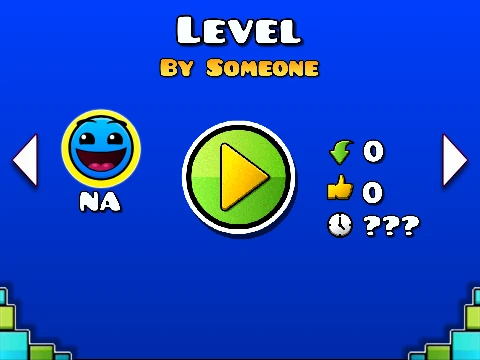
Getting into the action is easy. On the title screen, use the arrow keys to scroll through available practice levels. Once your desired stage is highlighted, press Space to begin your run.
Built-In Level Editor for Creativity
This project includes a powerful feature: an integrated level editor. While playing any level, press ‘Z‘ and ‘M‘ together to switch to edit mode. Here, you can explore level design firsthand.
- Move: Pan the editor view using the W, A, S, D keys.
- Select Blocks: Press keys 1 through 9 to choose different object categories (blocks, orbs, hazards, etc.).
- Cycle Options: Repeatedly press the selected category‘s number key to browse all blocks in that group. Press ‘R‘ + the category number to go back one step.
Experiment with placing objects to understand how levels are built, then press ‘Z‘+‘M‘ again to exit and test your changes. It‘s a fantastic tool for both learning and creativity.
Whether you‘re here to practice your jumps or to try your hand at level creation, Geometry Dash Practice Easy provides a versatile and educational platforming experience.



















































Discuss geometry dash