Geometry Dash Phobos Demo
Geometry Dash Phobos Demo: Play and Create
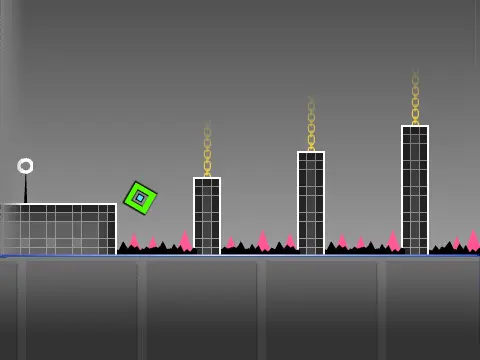
Explore the Geometry Dash Phobos Demo, a versatile online experience that combines a challenging fan-made level with a comprehensive level editor. Adapted from its original Scratch project, this demo caters to both players and creators.
Gameplay Experience
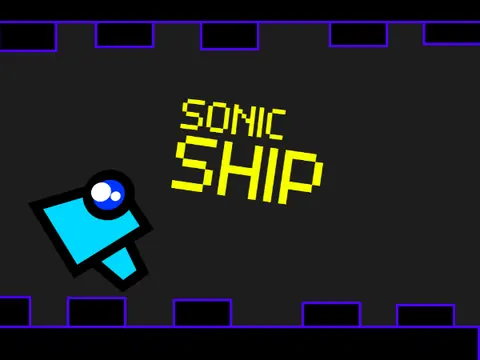
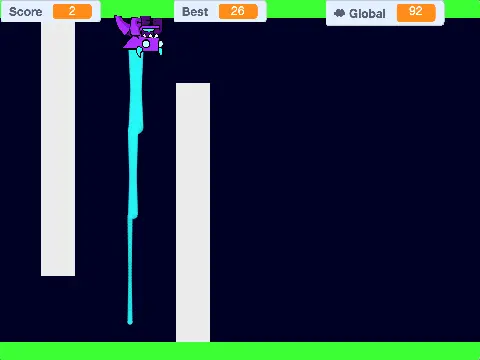
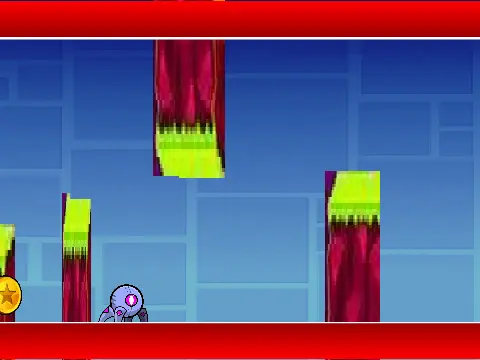
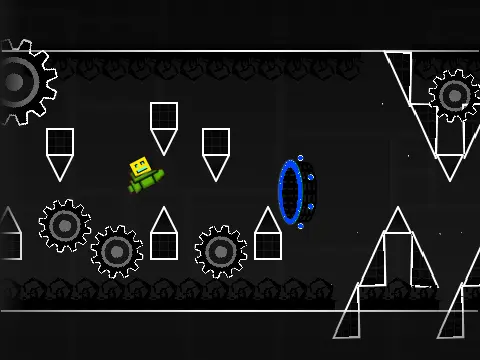
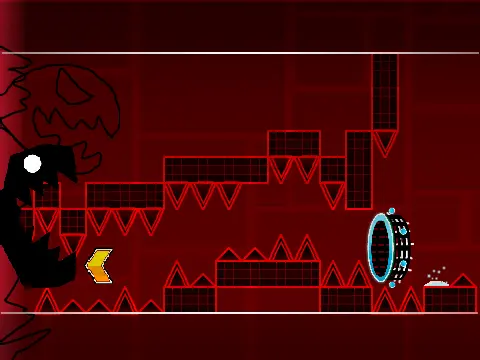
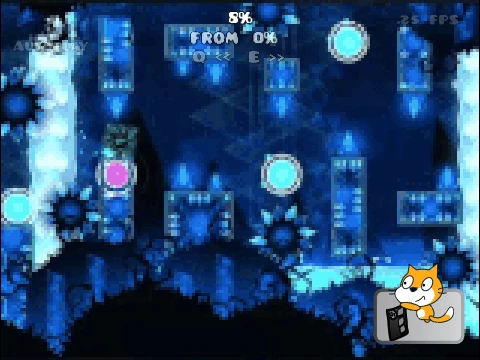
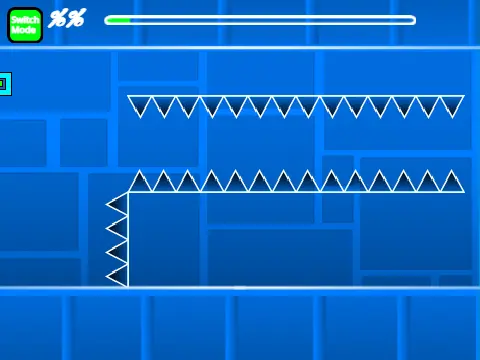
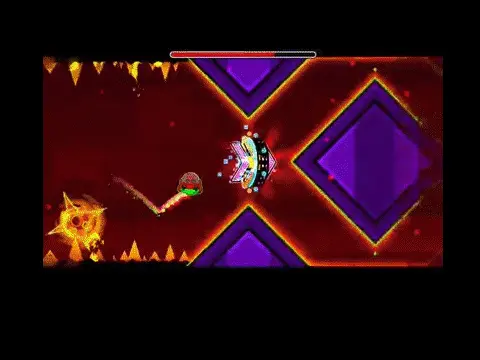
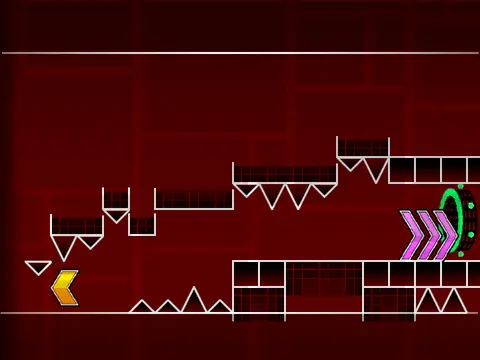
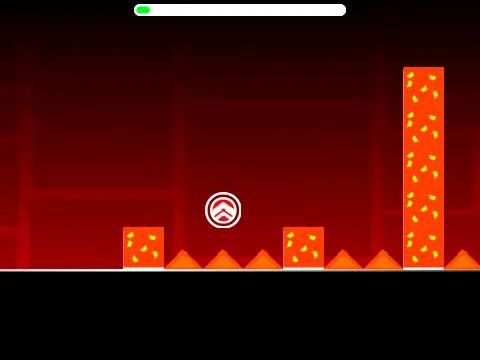
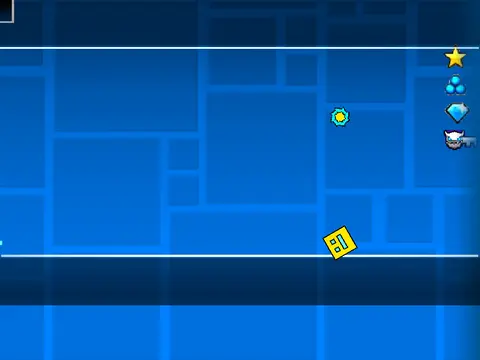
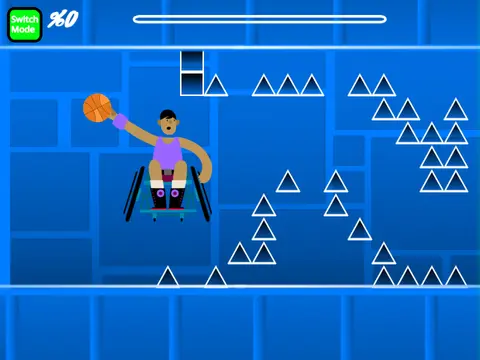
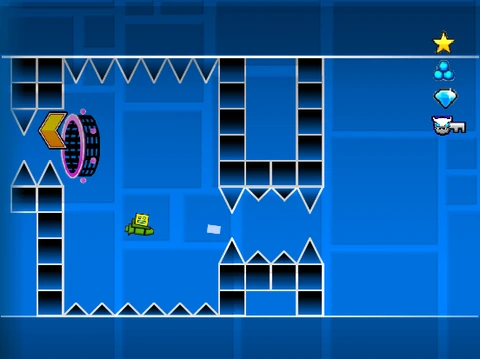
Dive into the rhythmic challenge. Use the [up], [w], [space] keys, or click to jump—this also works on yellow rings. Pilot the ship by holding to ascend and releasing to descend. Your mission is to avoid spikes, utilize yellow jump pads for extra height, and collect coins to maximize your score. For a smoother frame rate, press [l] to toggle visual effects on or off.
Powerful Built-In Editor
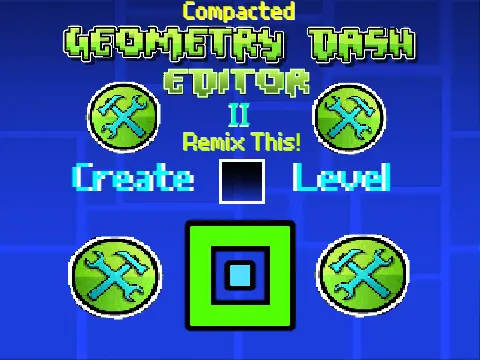
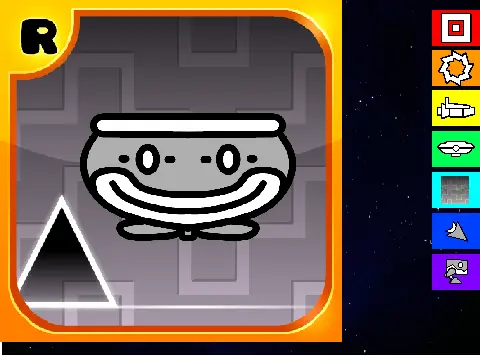
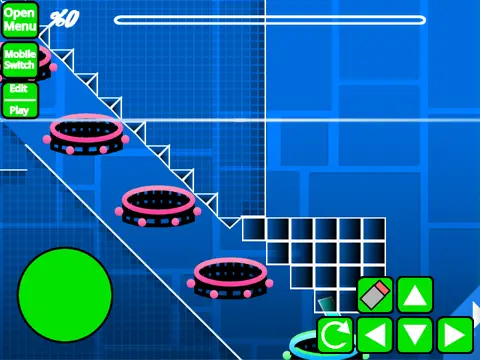
The Phobos Demo's most distinctive feature is its integrated creation suite. Press [z] and [m] to enter editor mode. Here, you have access to a wide array of Geometry Dash objects through intuitive number key shortcuts:
1: Standard Blocks
2: Interior Geometry Pieces
3: Spikes
4: 4-Unit Long Blocks
5: Special Objects
6: Speed Portals & More
7: Slopes & Related Items
8: New Pits & Hazards
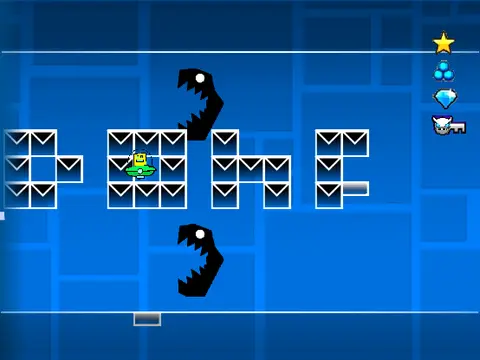
9: Monsters
0: Invisible Blocks
To test your creations freely, activate noclip mode by pressing [n], allowing you to pass through all objects.
Whether you're here to conquer the Phobos challenge or to unleash your creativity by building and testing your own levels, this demo provides a unique and engaging free online Geometry Dash experience.
Discuss geometry dash