geometry dash level maker
Geometry Dash Level Maker V2 - Play, Create, Master
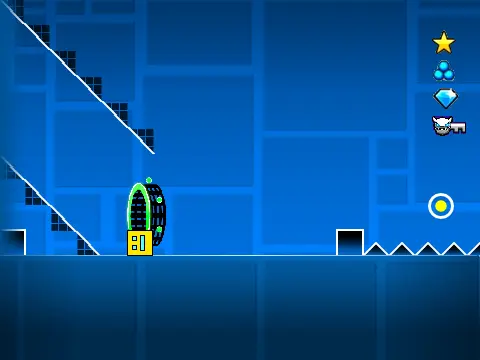
Geometry Dash Level Maker V2 is a groundbreaking level that merges gameplay with creation. It's not just a challenge to beat; it's a full-fledged sandbox where you become the designer. Begin by playing through a standard Geometry Dash sequence, mastering jumps and avoiding spikes, then unlock the tools to build your own.
Core Gameplay & Controls
Navigate the initial course using classic controls: press Up Arrow, W, Space, or click to jump. Steer clear of spikes, manage the ship mode (hold up, release down), use yellow jump pads, and collect coins. Press L to manage visual effects for optimal performance.
Unlock the Powerful In-Game Editor
The magic begins when you press Z and M to enter the editor. This integrated system provides a vast array of objects at your fingertips:
- 1 - Blocks: The foundation of any level.
- 2 - Inside Geometry: Decorative interior pieces.
- 3 - Spikes: The primary obstacles.
- 4 - 4 Long Blocks: For creating platforms.
- 5 - Special: Unique objects and items.
- 6 - Speed Portals & More: Control gameplay pace.
- 7 - Slopes & More: Add angled geometry.
- 8 - New Pits & More: Environmental hazards.
- 9 - Monsters & More: Animated challenges.
- 0 - Invisible Blocks: For devious traps.
Test Freely with Noclip
Once your creation is ready, test it thoroughly. Press N to activate noclip mode, allowing you to fly through your level unimpeded to check layouts and difficulty. This combination of play and creation makes it an essential tool for any aspiring Geometry Dash level designer.



















































Discuss geometry dash