Geometry Dash Flashing Lights Contest Entry
Geometry Dash Flashing Lights: Contest Entry & Rhythm Editor
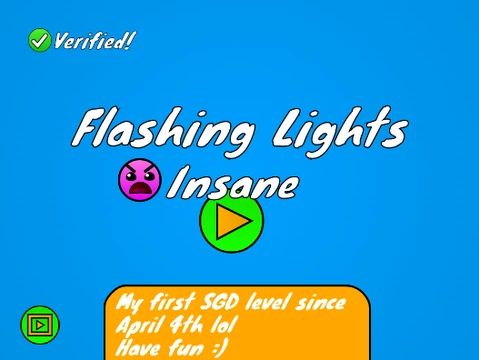
Geometry Dash Flashing Lights Contest Entry is a visually stunning level created for a specific contest, featuring intense lighting and decorative effects. The core gameplay is around 20 seconds of challenging action, though the elaborate decoration may cause lag. The author welcomes feedback and has provided a Turbowarp link for a significantly smoother experience. A revamped version is also in the works.
A Deep & Powerful Level Editor
This entry also functions as a highly detailed level editor. Editing is complex, so reading all instructions first is crucial. You can personalize levels by adding your own music. Save your progress by remixing the project initially and using Scratch's save function thereafter.
Advanced Gameplay & Practice Tools
- Basic Controls: Click to jump, fly, and interact.
- Advanced Options: Toggle no-clip mode (
I/O), vote on completion (0-9).
- Practice Mode: Place checkpoints (
Z), delete checkpoints, sync level timing (S), and use auto-spam (W with auto-click on).
Professional-Grade Editor Controls
Toggle between edit and play modes with Z/M. Navigate block menus (1/3) and selections (4/5), use the eraser (2), and access settings (I/O) and debug (O/P). Place blocks by clicking, rotate with R (or 45 degrees with T), and fine-tune rotations. The F key opens the trigger menu, while B accesses the detect menu. Efficient tools include picking blocks (Z), saving (9), and loading (0).
Precision Music Synchronization System
A standout feature is the comprehensive sync system for perfect music alignment: open the sync menu (L), toggle beat markers (K on notches), set sync points (K elsewhere), and review sync after playing (J). This makes it an ideal tool for creating intricate, rhythm-based Geometry Dash levels.



















































Discuss geometry dash