







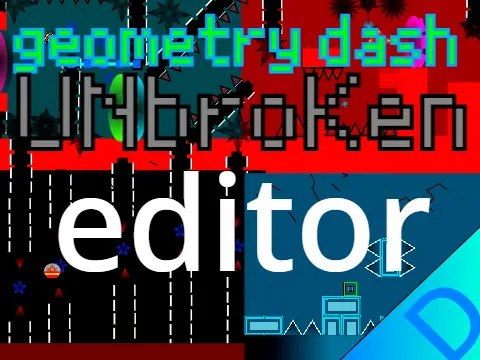
geometry dash editor v4
Geometry Dash Editor V4 – Play, Customize, and Edit
Geometry Dash Editor V4 is a Scratch project that offers a triple experience: playing curated levels, customizing your icon, and experimenting with basic level editing tools.
Play & Customize
Press Space to dive into a level. Use the Arrow Keys to browse and select different stages. Control your cube by jumping with Space, the W key, or a mouse click. Make it your own by changing its cube icon and color—with more customization options promised in future updates.
Basic Editing Toolkit
Press '9' to access the editor panel. Here are the core controls:
- Rotate: E / R
- Change Color: D / F
- Change Costume (Visual Style): C / V
- Playtest: Press 'A' to start/stop testing your layout.
- Set Level Length: Press 'I' to define the maximum distance.
Saving Your Creation
Saving requires a specific Scratch workflow:
- Press '8' in the editor.
- Click the "See Inside" button on the project page.
- Click "Save"—this will prompt you to remix the project.
The creator notes that while designing new costumes is possible, copying an existing one is recommended for simplicity.
Credits & Future Plans
Features music from Waterflame, The Fat Rat, and F-777, with sound effects from RobTop. The creator teases a future standalone editor project and a new game titled "Cubie's Adventure."
Geometry Dash Editor V4 is a great starting point for players who enjoy classic GD gameplay and want to take their first steps into level creation on Scratch.
Discuss geometry dash









































