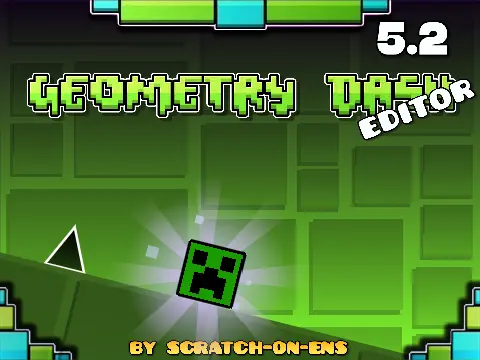
geometry dash editor 5.2
Geometry Dash Editor v5.2: A Community-Powered Creation Studio
Unleash your creativity with Geometry Dash Editor v5.2, a sophisticated online tool that stands as a testament to the power of community collaboration. For the best performance, including high-quality visuals and a buttery-smooth 60 FPS experience—essential for precise editing and gameplay—play this version directly on TurboWarp.
Powerful & Intuitive Editing Workflow
The editor is built for efficiency and ease of use. A simple press of the 'E' key brings up the full editing panel. Quickly cycle through five distinct tile brushes using the number keys 1 to 5, accelerating your building process. The integrated save system is a standout feature:
- Press 'O' to save your level and receive a unique code.
- Press 'P' to load a previously saved level by entering its code.
This system makes it easy to back up your work, share your levels with others, and collaborate on projects via the dedicated level codes forum topic.
A Collaborative Masterpiece
This editor is more than software; it's a community artifact. It brings together the work of talented individuals: from the core engine and animations by @chipm0nk, to the inspirational tutorials and assets from @griffpatch, custom skins from @ZombieDragon09, and unique Minecraft-themed decorations by @yukidaru7. It runs on music from dedicated composers and is, fundamentally, a loving homage to RobTop's original game. This fusion of efforts has created a uniquely robust and capable editing environment for Geometry Dash enthusiasts.
Ideal for both novice designers and seasoned creators, Geometry Dash Editor v5.2 provides a stable, full-featured platform to design, test, and share your challenging or artistic level ideas with the world.



















































Discuss geometry dash