
Geometry Dash easy
Geometry Dash Easy 2.0: The Perfect Starting Point
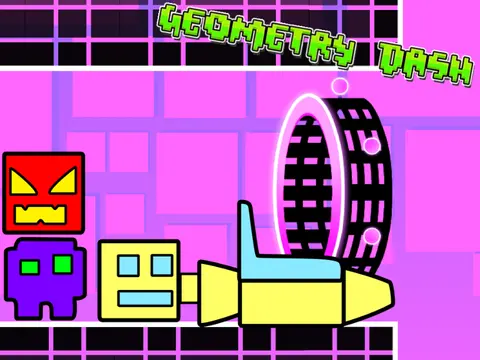
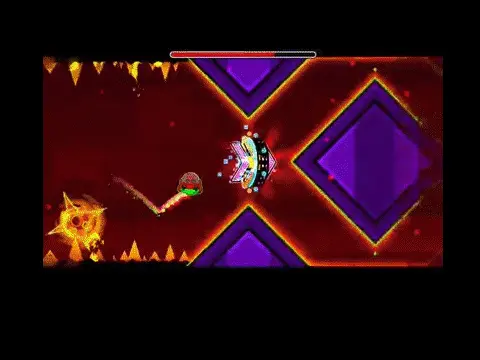
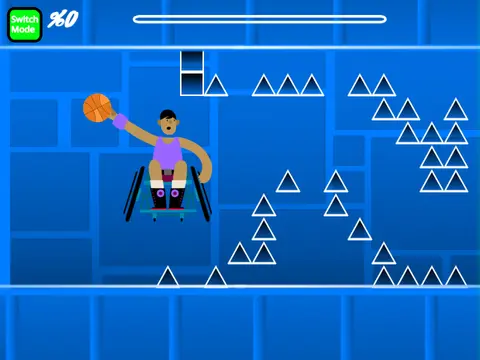
Welcome to Geometry Dash Easy 2.0, a level specifically crafted to introduce new players to the core mechanics of Geometry Dash in a forgiving and optimized environment. This version focuses on accessibility and smooth performance.
Intuitive Controls for Everyone
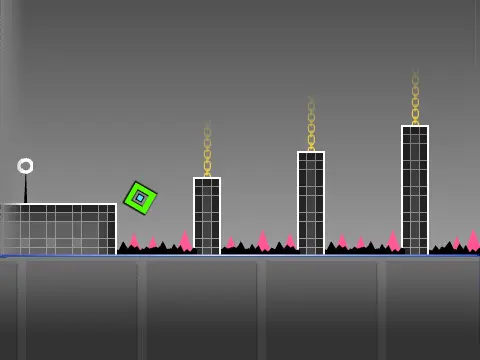
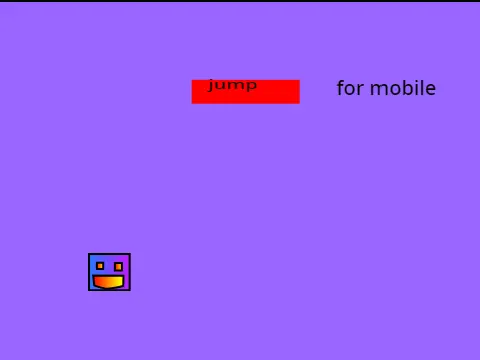
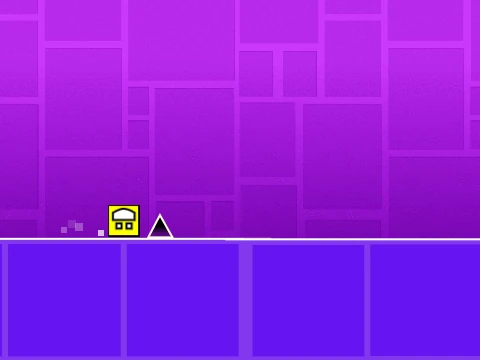
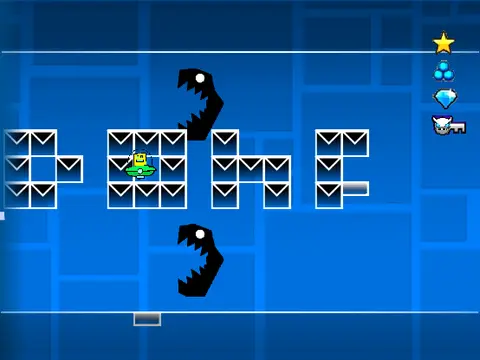
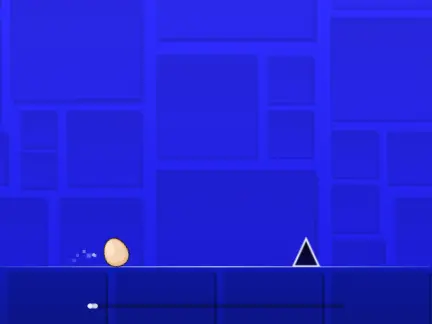
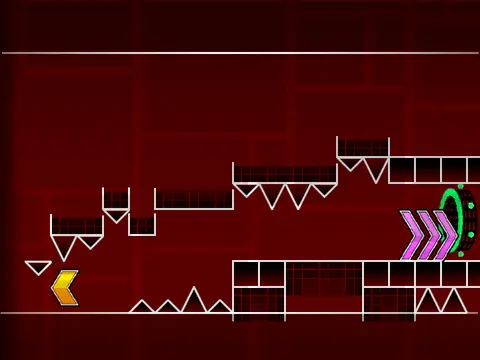
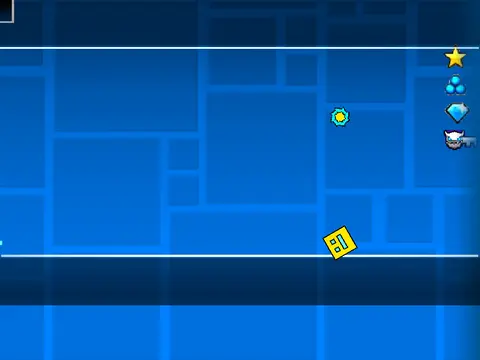
Get started quickly by using any of these inputs to jump: [UP] arrow, [W], [SPACE], [CTRL], [SHIFT], or a mouse click. This jump command also works when landing on yellow rings for a helpful bounce. Your main task is to steer clear of the spikes along the path.
Learn the Basics: Ship Mode & Boost Pads
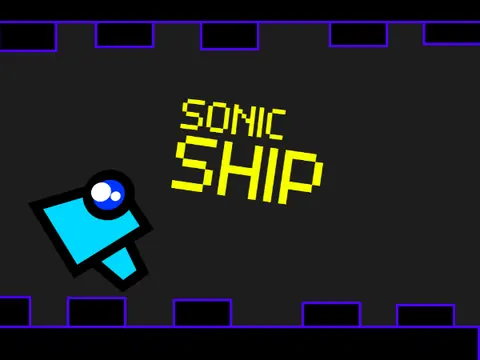
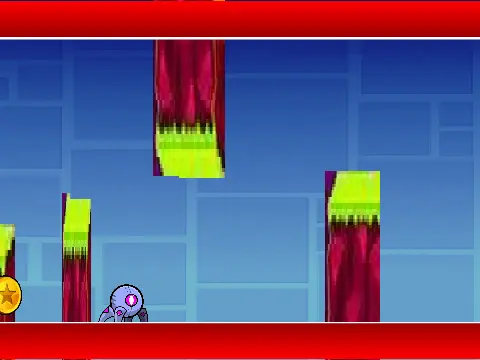
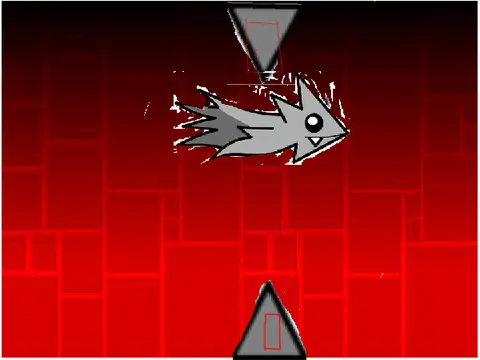
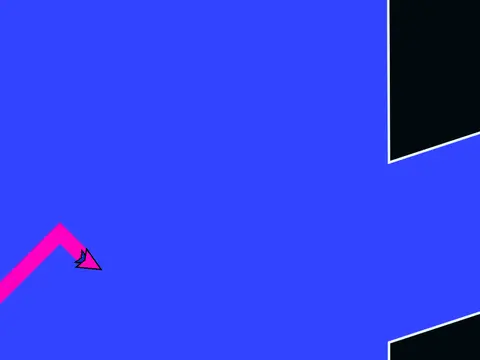
When your icon transforms into a Ship, the control is intuitive: hold the key/button to rise, release to fall. The level teaches you about environmental aids:
- Yellow Jump Pad: Bounce off it for a reliable high jump.
- Blue Jump Pad: This pad grants an even stronger upward thrust, effectively replacing a gravity portal mechanic and allowing you to reach higher platforms.
Keep an eye out for
coins to increase your score as you learn.
Ensuring Smooth Gameplay
To guarantee a frustration-free experience on any computer, Geometry Dash Easy 2.0 includes practical performance controls:
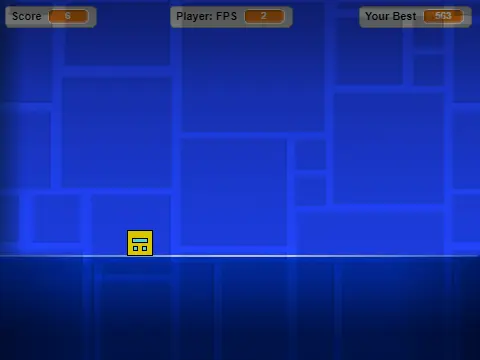
- Press the L key to turn visual effects on or off.
- Press the B key to show or hide the game background.
Both options help
reduce lag significantly, making this an ideal level for practicing fundamentals without technical interruptions.
Discuss geometry dash