Geometry Dash Private Editor Server
Geometry Dash 2.2 Private Editor Server: Your Online Studio
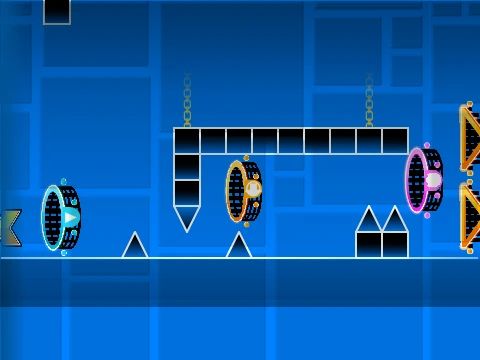
Step into a dedicated creative space with the Geometry Dash 2.2 Private Editor Server. This specialized online environment provides a sandbox experience focused purely on building and testing your own Geometry Dash levels, directly in your web browser.
Foundational Gameplay & Controls
Even in an editor, the core feel is essential. Experience the fundamental platforming mechanics: jump using [UP], [W], [SPACE], or a mouse click, deftly avoid spikes, control the ship by holding/releasing, and use yellow pads for high jumps. Hunt for coins to add an optional challenge layer to your designs.
Comprehensive 2.2 Level Editor
The heart of this server is its comprehensive editor, activated with [Z] and [M]. It grants immediate access to the full Geometry Dash 2.2 object library.
- Press number keys 1 through 0 for instant category selection.
- Build structures with Blocks, Interior Geometry, and 4-long blocks.
- Place hazards like Spikes and decorative Monsters.
- Add gameplay elements: Special items, Speed Portals, Slopes, and New Pits.
- Utilize Invisible Blocks (Key 0) for advanced mechanics.
Powerful Testing Tools
Essential for creators, the [N] key activates noclip mode, allowing you to fly through your creation to test sightlines and object placement without restriction. Toggle visual effects with [L] to maintain optimal framerate while designing intricate sections. This is the ultimate free, browser-based toolkit for aspiring Geometry Dash level designers to experiment and create without limits.



















































Discuss geometry dash